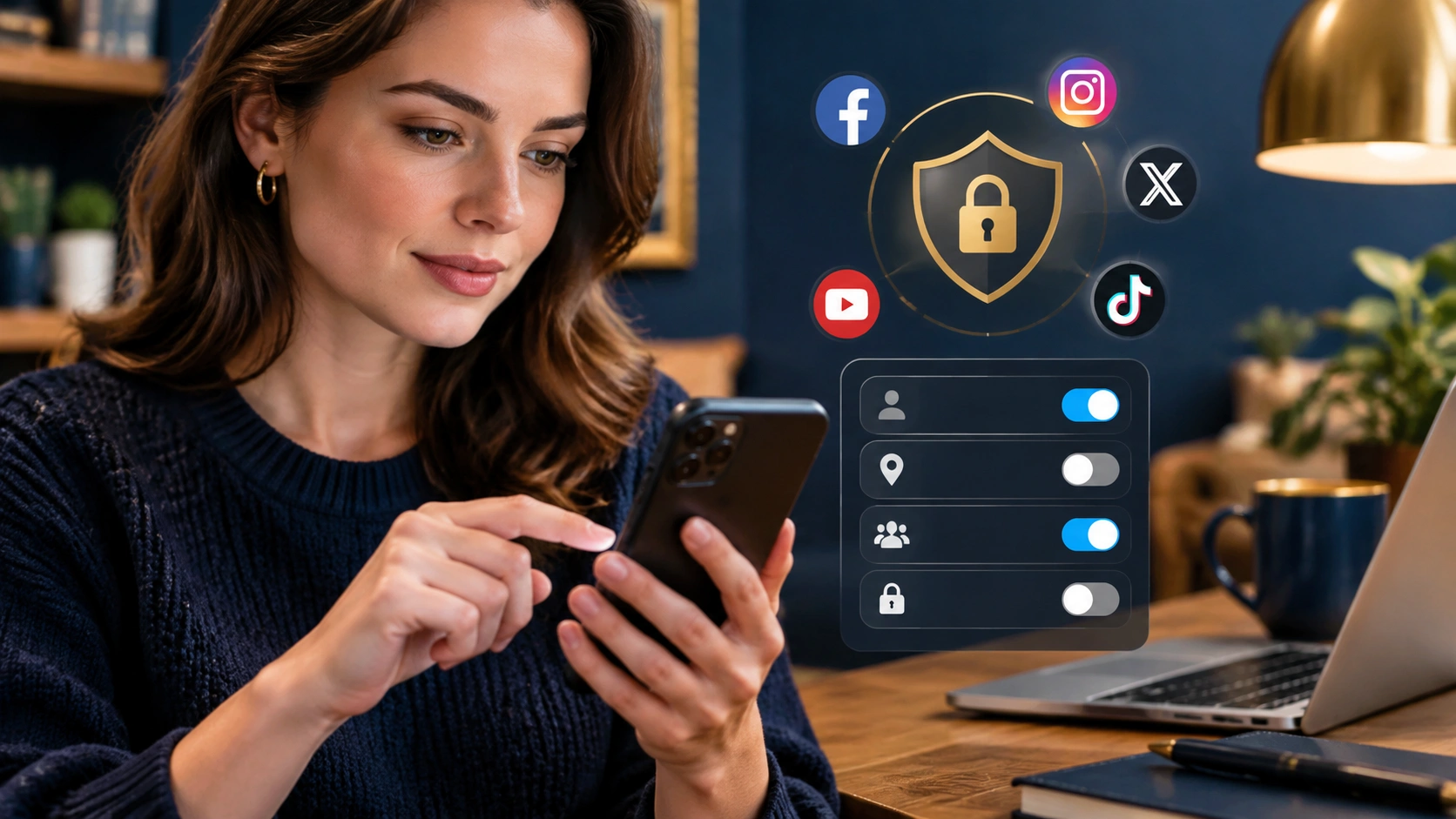
Social Media Privacy Settings You Should Change Today for Better Personal Data Protection

Most people assume their social accounts are reasonably safe by default, but default settings often prioritize engagement over privacy. If you have ever wondered which social media privacy settings you should change today, the answer starts with visibility, permissions, and data sharing. Strong personal data protection is not only about passwords or antivirus tools; it is also about limiting who can see your posts, how platforms track you, and which third parties can access your information.
This guide walks through practical, high-impact settings across major platforms, explains why they matter, and shows how to adjust them without losing the features you actually use.
Why default privacy settings often expose more than you expect
Social platforms are designed to make sharing easy, and that convenience often means broader visibility, more tracking, and more integrations turned on by default. Over time, small choices add up: old posts stay public, location tags remain enabled, and apps you no longer use keep access to your profile.
Changing the right settings helps you reduce your attack surface, limit profiling, and prevent strangers or data brokers from piecing together a detailed picture of your life.
Core settings to review on every major platform
1. Make your profile and posts less visible
- Set your profile to private or restricted so only approved followers can see your content.
- Limit past audience to reapply privacy settings to older posts in bulk.
- Disable search engine indexing for your profile when the platform offers this option.
- Turn off public reposts or reshares where available to keep content from spreading beyond your intended audience.
These controls reduce how much of your life is available to strangers, crawlers, and data collectors.
2. Control who can find and contact you
- Remove your phone number and email from public display, even if they are required for login or recovery.
- Limit who can look you up by phone number or email address.
- Restrict who can send you direct messages, especially from people you do not follow.
- Turn off contact syncing if you do not want the platform to build a social graph from your address book.
These steps reduce unwanted outreach, social engineering attempts, and unwanted cross-referencing of your contacts.
3. Stop oversharing through location and metadata
- Disable precise location tagging on posts, stories, and photos.
- Remove location data from uploads when the platform does not strip it automatically.
- Review location history and delete stored location data you no longer need.
Location data can reveal your home, workplace, routines, and travel patterns. Even occasional oversharing can create a predictable trail.
4. Reduce tracking and personalization
- Limit ad personalization so your activity is used less for targeted advertising.
- Turn off off-platform activity tracking when the platform allows you to disconnect external site and app data.
- Disable cross-app data sharing where the platform offers separate controls for linked products and family of apps.
- Review device-level permissions such as contacts, camera, microphone, and photos, and remove any you do not actively need.
These adjustments reduce behavioral profiling and help you keep your daily activity from feeding recommendation systems more than necessary.
5. Audit connected apps, sessions, and alerts
- Revoke access for old apps and integrations you no longer use.
- Review active sessions and sign out of devices you do not recognize.
- Enable login alerts so you are notified of new sign-ins.
- Use two-factor authentication with an authenticator app or security key rather than SMS when possible.
Cleanup here prevents stale integrations from pulling your data and helps you detect unauthorized access early.
Platform-specific tips worth checking now
Instagram and Threads
- Switch to a private account if you do not need public reach.
- Limit story replies and mentions to followers or approved users.
- Disable activity status to reduce visibility of your online presence.
- Review Tags and Mentions settings to control what appears on your profile.
- Check Data Sharing and Ads settings to limit personalization and off-platform activity.
TikTok
- Set your account to private and control who can duet, stitch, or download your videos.
- Disable Suggest your account to others and search by phone number or email.
- Turn off personalized ads and review how the platform uses your activity and device data.
- Manage downloads and screen recording permissions for your content.
- Run a Privacy Checkup to review profile visibility, posts, and findability.
- Limit past posts and remove old public content you no longer want visible.
- Turn off Off-Facebook Activity to reduce tracking from external websites and apps.
- Review Apps and Websites to remove legacy integrations.
- Adjust facial recognition and tag review settings where available.
X (formerly Twitter)
- Protect your posts if you want approval-based access to your timeline.
- Disable photo tagging and limit who can reply to your posts.
- Review Discoverability and contact settings to reduce lookup by email or phone.
- Check connected apps and revoke any you no longer use.
- Adjust profile visibility, including your connections list and viewing activity.
- Limit who can see your email address and phone number.
- Turn off activity broadcasts to prevent every profile edit or follow from becoming a notification.
- Review data privacy and advertising settings to reduce profiling.
YouTube
- Manage your watch and search history, and set auto-delete where supported.
- Restrict who can see your subscriptions, liked videos, and playlists.
- Review connected apps and revoke unused access.
- Adjust ad personalization and data settings tied to your Google account.
Good privacy habits that support your settings
- Periodic audits: Review privacy settings every few months, especially after platform updates.
- Least privilege: Grant only the permissions you truly need, and remove them when your use case changes.
- Delayed sharing: Post trips, events, or personal milestones after they happen to reduce real-time exposure.
- Separate identities: Consider separate accounts for public work and private personal use when practical.
- Strong authentication: Use unique passwords, a password manager, and two-factor authentication on every social account.
Changing these controls does not make you invisible, but it meaningfully reduces what platforms, strangers, and third parties can learn about you. If you have been putting off a privacy refresh, start with the social media privacy settings you should change today and build from there.