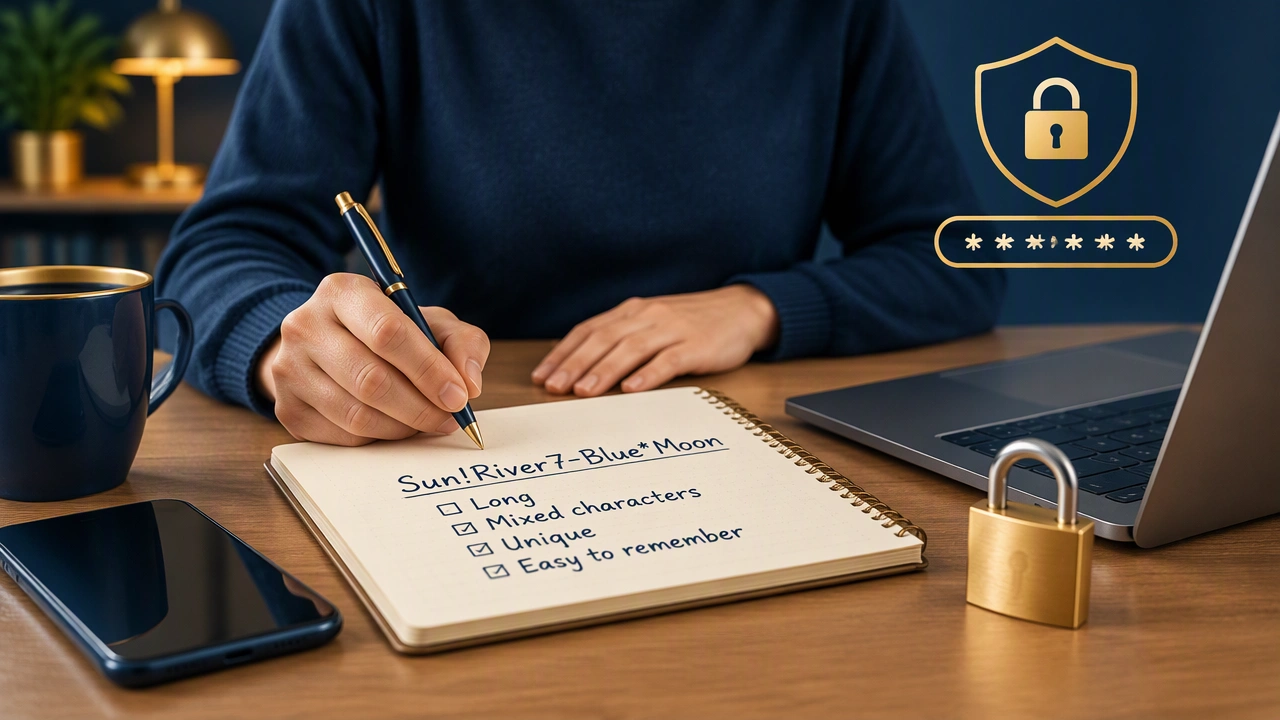
How to Create Strong Passwords That Are Easy to Remember

Strong personal data protection starts with the credentials you type every day. Passwords still guard email, banking, shopping, and social accounts, so the goal is to create passwords that resist guessing while remaining something you can recall without notes or a password manager. This guide explains practical techniques for how to create strong passwords that are easy to remember, along with habits that reduce risk when you rely on memory alone.
Start with length, then add unpredictability
Length is the most reliable source of strength. A longer password gives an attacker far more combinations to guess, especially when each position can vary. Aim for at least 12 to 16 characters, and use longer phrases for especially important accounts. Avoid short PIN-style passwords, repeated characters, and familiar keyboard patterns such as qwerty or 123456.
Unpredictability matters just as much as length. A password built from a common sentence, movie quote, song lyric, or website name may be long but still easy to guess if an attacker knows your interests or can find the source online. Combine length with unusual word choices, personal details that are not publicly posted, and deliberate changes that only make sense to you.
Build a passphrase from unrelated words
A passphrase is a sequence of several words joined together. Unlike a familiar quotation, the words should be unrelated so the phrase does not appear in dictionaries or popular media. Choose concrete images you can picture clearly, mix ordinary and unusual words, and arrange them in an order that feels personal.
For example, you might combine a place, an action, and an object that have no obvious connection. Do not use a sentence from a book, a trending meme, or the name of your favorite team. Add a number, symbol, or capitalization pattern at a position you will remember, but avoid simply capitalizing the first word and adding an exclamation mark at the end, since those habits are common.
To make the password easier to recall, create a vivid mental scene. Imagine the words interacting in a specific location, then rehearse the scene once or twice. Memory techniques based on imagery are more durable than trying to memorize a random string character by character.
Use a personal substitution rule
If a passphrase feels too recognizable, apply a consistent substitution rule that you can reproduce mentally. Replace one sound with a number, swap selected letters for symbols, or remove vowels from one word. The rule should be simple enough to apply quickly and specific enough that the result is not a standard dictionary word.
Keep the rule consistent across a password, but do not reuse the same finished password on multiple sites. A rule helps you reconstruct one credential; it does not protect an account if the same credential appears elsewhere.
Create a memorable pattern from a sentence
Another technique is to start with a private sentence and derive a password from it. Take the first letter of each word, retain punctuation where useful, and add a detail that is not part of the original sentence. Because the sentence should be private, avoid quotes that are easy to search or phrases that appear on your public profiles.
The derived password can be strong if it is long and contains varied characters. Check that it does not accidentally spell a common acronym or reproduce a well-known example from a tutorial. If the result is predictable, change the sentence or add an unusual word in the middle rather than at the end.
Make every account’s password unique
Reusing a password is one of the most damaging shortcuts in everyday cybersecurity. When a company experiences a data breach, attackers may test leaked email and password pairs on other services. If you use the same password everywhere, one exposed account can unlock many others.
Build a separate password for each important account. You do not need to memorize dozens of unrelated strings at once. Prioritize email, banking, mobile accounts, cloud storage, and password-reset destinations, then create memorable variations for lower-risk services. A different passphrase pattern for each account category can help you distinguish them without writing the passwords down.
Protect the recovery path
A strong password is only part of the defense. Attackers often target email accounts because they can trigger password resets elsewhere. Secure the recovery address with its own strong, unique password, review recovery phone numbers and backup addresses, and remove old methods you no longer use.
Enable multi-factor authentication where available. A second step, such as an authenticator app or a security key, can prevent a stolen password from being enough. Store backup codes in a safe place offline, and do not keep them beside the password they protect.
Check for common weaknesses
Before saving a new password, run a quick mental review:
- Is it at least 12 characters, preferably longer for sensitive accounts?
- Does it avoid your name, birthday, pet names, and details visible on social media?
- Is it different from every other password you use?
- Does it avoid repeated characters, keyboard runs, and predictable substitutions?
- Can you recall it after a short break without relying on a written note?
Some websites offer a password-strength meter. Treat it as a rough guide rather than proof of security: a meter cannot know whether your password is a famous quote or a reused credential.
Use memory deliberately
Practice retrieving the password rather than repeatedly reading it. Type it once, wait a few minutes, and try it again from memory. If you need to write it down temporarily, keep the note away from the device and destroy it once the password is secure. Avoid storing passwords in an unprotected document, browser note, or photo.
If you eventually decide to use a password manager, the techniques here still help you create a strong master password. Until then, a small set of carefully built, unique passphrases for your most important accounts is safer than one convenient password reused everywhere.
Keep improving the habit
Change a password when there is a credible reason: a service reports a breach, you suspect exposure, or you shared it with someone who no longer needs access. Routine changes are less important than uniqueness and length, but reviewing credentials regularly helps you remove old accounts and weak passwords.
Personal data protection is built through consistent choices. Long, unrelated passphrases, private construction rules, unique credentials, and a protected recovery path make it much harder for attackers to turn one mistake into a wider compromise. With a little practice, you can remember the passwords that matter and keep your everyday accounts under control.