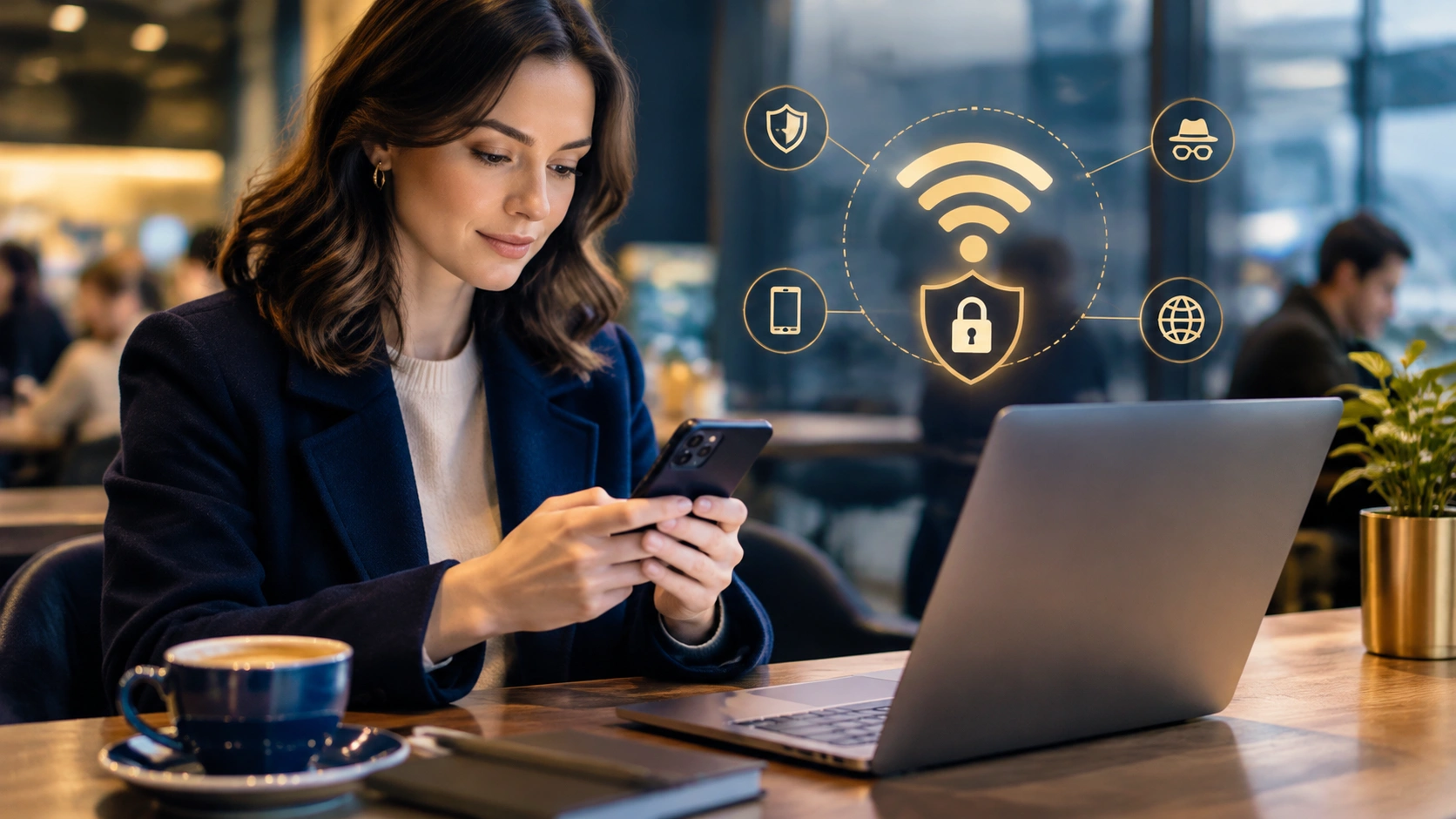
Essential Precautions for Connecting to Open Wireless Networks Without Exposing Your Data
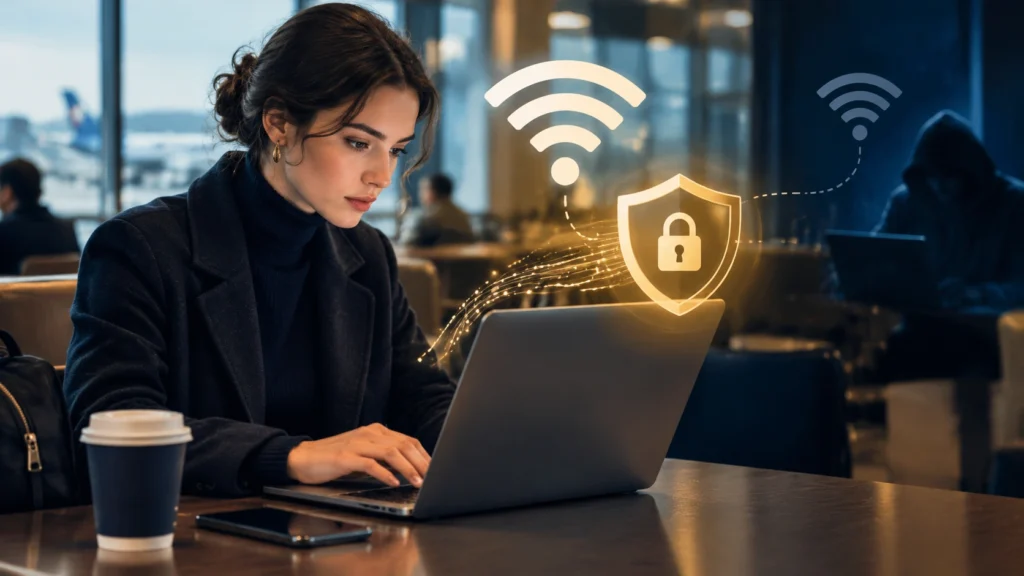
Public wireless networks are everywhere: airports, coffee shops, hotels, libraries, and coworking spaces. They are convenient, free, and often unsecured, which makes them attractive to attackers who want to intercept sensitive information. Understanding how to use public Wi-Fi safely is a core part of personal data protection and everyday cybersecurity. With a few deliberate habits, you can stay connected on open networks while minimizing the risk of exposing passwords, messages, financial details, and other private data.
Why Open Wi-Fi Is Risky
Open Wi-Fi networks typically do not require a password or use shared credentials, so everyone on the same network sends and receives data over the same wireless medium. This environment enables several common attacks:
- Packet sniffing: Attackers can capture unencrypted traffic using widely available tools.
- Man-in-the-middle (MitM) interception: A malicious actor can sit between your device and the router, reading or altering communications.
- Rogue access points: Fake hotspots with convincing names can lure users into connecting, giving the operator full visibility into their activity.
- Session hijacking: Stolen cookies or tokens can let an attacker access your accounts without your password.
Even when a network looks legitimate, it may still be poorly configured or compromised. The safest approach is to assume that open networks are hostile and act accordingly.
Before You Connect: Prepare Your Device
Good security starts before you join a public network. A few preparation steps reduce your attack surface significantly.
- Update your operating system and apps: Patches fix known vulnerabilities that attackers exploit on public networks.
- Enable your firewall: Most laptops and phones have built-in firewalls. Turn them on to block unsolicited inbound connections.
- Turn off sharing: Disable file sharing, printer sharing, and AirDrop or similar services so other users cannot discover your device.
- Forget the network after use: Prevent your device from auto-reconnecting to the same SSID in the future, which could be spoofed later.
These steps are simple, but they meaningfully reduce exposure before any data leaves your device.
Use a VPN to Encrypt Your Traffic
A reputable virtual private network (VPN) is one of the most effective defenses on open Wi-Fi. A VPN creates an encrypted tunnel between your device and a trusted server, hiding the content of your traffic from local observers.
- Choose a trustworthy provider: Look for transparent privacy policies, modern protocols (such as WireGuard or OpenVPN), and independent audits.
- Enable the kill switch: If the VPN drops, a kill switch blocks internet access to prevent data from leaking over the unprotected network.
- Test before sensitive tasks: Confirm the VPN is active and stable before logging into banking, email, or work systems.
A VPN does not make you anonymous, and it will not protect you from phishing or malware, but it significantly reduces the risk of interception on public networks.
Verify Network Names and Avoid Suspicious Hotspots
Attackers often create rogue access points that mimic legitimate ones. A coffee shop might have a network named “CoffeeShop_Free,” while an attacker sets up “CoffeeShop_Free_WiFi” to attract unsuspecting users.
- Ask staff for the exact network name: Do not guess based on nearby signs or your device’s list of available networks.
- Be wary of networks that require no password but prompt for app installs or browser sign-ins: These can be used to deliver malware or harvest credentials.
- Watch for certificate warnings: If your browser or app warns about an invalid certificate, disconnect immediately and avoid entering any sensitive information.
When in doubt, do not connect. Your mobile data connection is usually safer than an unverified public hotspot.
Prefer HTTPS and Encrypted Applications
Encryption at the application layer adds another critical safeguard. Even if someone intercepts your traffic, strong encryption makes it unreadable.
- Look for HTTPS: Ensure websites use HTTPS before entering any credentials. Modern browsers display a lock icon, but always verify the domain name carefully.
- Use apps with end-to-end encryption: Messaging and email apps that support end-to-end encryption protect content even on insecure networks.
- Enable DNS over HTTPS (DoH) or DNS over TLS (DoT): These protocols encrypt your DNS queries, preventing attackers from seeing which websites you visit.
HTTPS is not a complete defense on its own, but it is a strong baseline that complements other measures.
Turn Off Auto-Connect and Manage Wi-Fi Settings
Modern devices often connect to known networks automatically, which can be convenient but also risky in public environments.
- Disable auto-connect for open networks: Prevent your device from joining unfamiliar hotspots without your explicit approval.
- Use Wi-Fi only when needed: Turn off Wi-Fi when you are not actively using it to reduce the chance of connecting to a malicious access point.
- Forget public networks after use: Removing saved networks prevents future automatic connections.
These settings help you maintain control over when and how your device communicates on wireless networks.
Use Multi-Factor Authentication Everywhere
Multi-factor authentication (MFA) adds a second layer of security beyond your password. If your credentials are intercepted on a public network, MFA can still block unauthorized access.
- Enable MFA on email, banking, and social accounts: Use authenticator apps or hardware keys rather than SMS when possible.
- Store backup codes securely: Keep them offline or in a trusted password manager.
- Review active sessions regularly: Sign out of accounts you no longer use and revoke access for unfamiliar devices.
MFA is one of the highest-impact steps you can take to protect your accounts, regardless of the network you are using.
Avoid Sensitive Transactions on Public Wi-Fi
Even with precautions, some activities carry more risk on open networks. Limit your exposure by avoiding high-sensitivity tasks when possible.
- Delay banking or payments: Use your mobile data connection or wait until you are on a trusted network.
- Do not access work systems without a VPN: Corporate resources should only be reached through approved, encrypted connections.
- Be cautious with logins: If you must log in, ensure the site uses HTTPS and your VPN is active.
Prioritizing mobile data for sensitive actions is a simple way to reduce risk without sacrificing convenience.
Keep Your Software and Security Tools Active
Running up-to-date security software helps detect and block threats that may appear on public networks.
- Enable automatic updates: Operating systems, browsers, and apps should update without delay.
- Use reputable security software: Antivirus and anti-malware tools can catch malicious downloads or scripts.
- Monitor network permissions: Some apps request unnecessary network access; review and restrict these permissions.
Security tools are not a substitute for safe behavior, but they provide an additional safety net.
After You Disconnect: Review and Clean Up
Your security routine should continue after you leave the public network.
- Forget the network: Remove it from your saved list to prevent future auto-connections.
- Check account activity: Review recent logins and transactions for any unauthorized access.
- Change passwords if you suspect exposure: If you entered credentials on an insecure connection, update them promptly.
- Re-enable sharing services: Turn file and printer sharing back on only when you are on a trusted network.
A brief post-use review helps you catch issues early and maintain good security hygiene.
Building Long-Term Habits for Everyday Cybersecurity
Using public Wi-Fi safely is part of a broader approach to everyday cybersecurity. Consistent habits make protection automatic rather than occasional.
- Adopt a zero-trust mindset: Treat every public network as potentially compromised.
- Layer your defenses: Combine VPNs, HTTPS, MFA, and device hardening for stronger protection.
- Stay informed: Follow practical guidance from trusted sources and adjust your practices as threats evolve.
By preparing your device, encrypting your traffic, verifying networks, and limiting sensitive activity, you can enjoy the convenience of public Wi-Fi while keeping your personal data protected.